+80% OFF No monthly fee · One-time payment

Your Practice Deserves the #1 Visual Acuity System

The only scientifically validated cross-platform system. Runs on your Smart TV, PC or Mac. Download in seconds, start seeing patients today.

Save up to 90%
Works completely offline
Scientifically validated
No monthly fee
EyeCharts for Smart TVs Mac Android Windows
Live Demo
TV stand
NEW FEATURE
Don't miss any ophthalmology updates

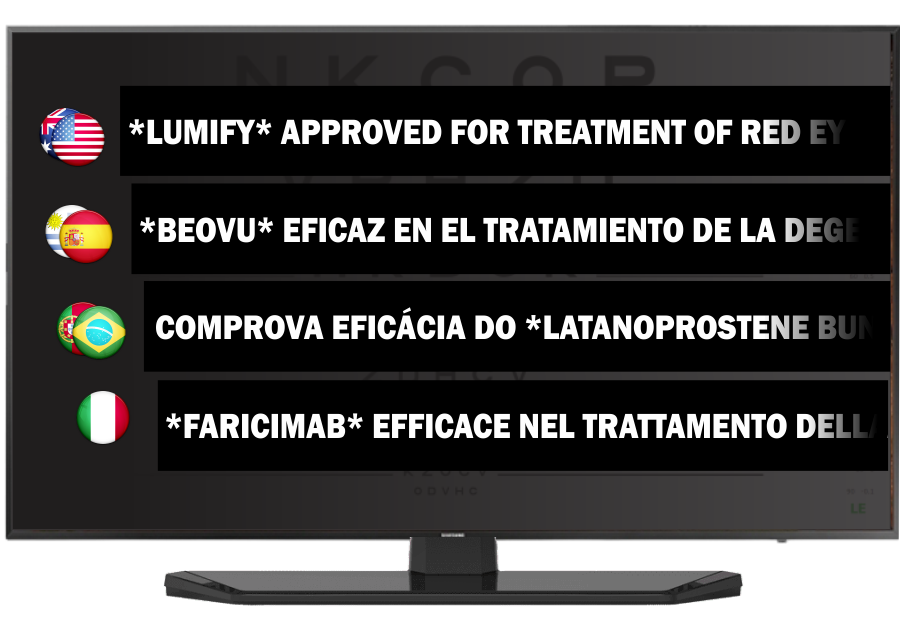
Access real-time, multilingual ophthalmology news directly on your VA screen — always current.

EyeCharts News on TV
System Features

Everything you need in one system

16+ clinical tests and tools built into a single app. No extra hardware required.

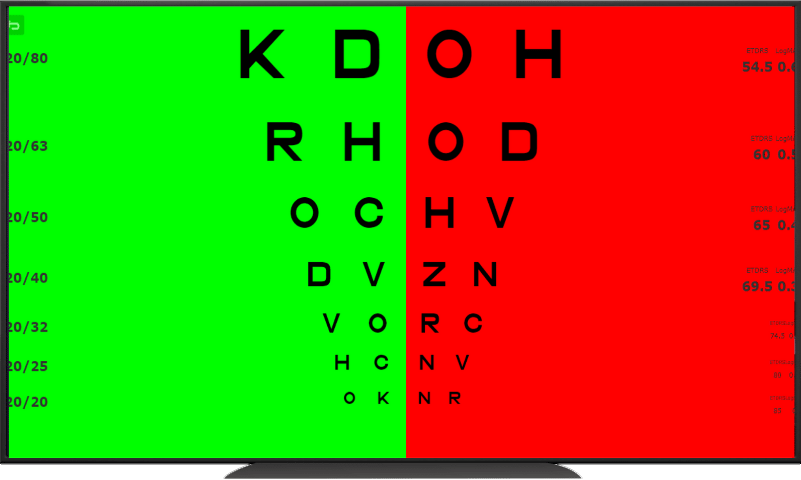
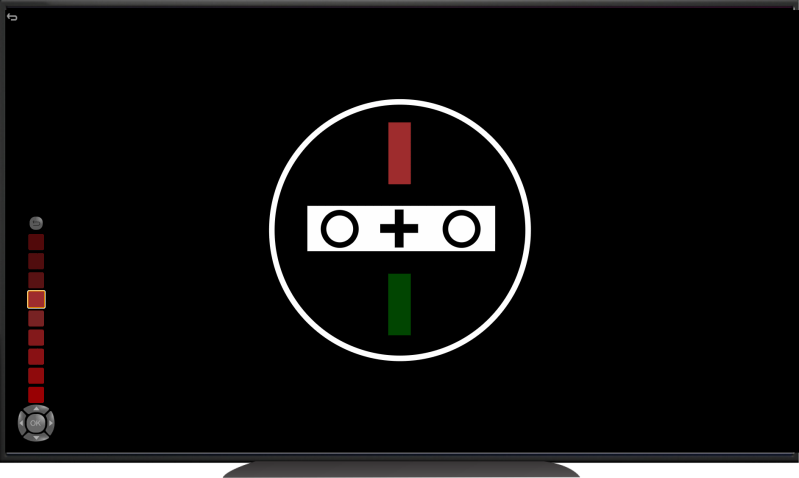
Red-green test

Red-Green Test

Refine eyeglass prescription with precision bichrome testing

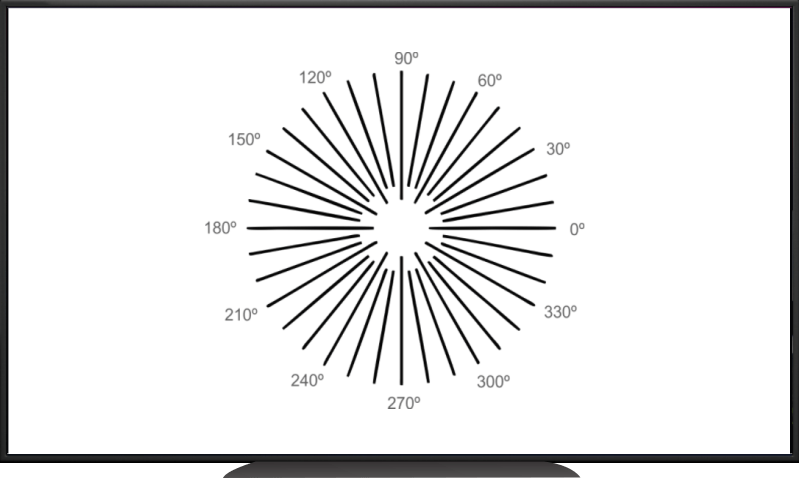
Astigmatic tests

Astigmatic Tests

Multiple dial astigmatic tests for accurate cylinder measurement

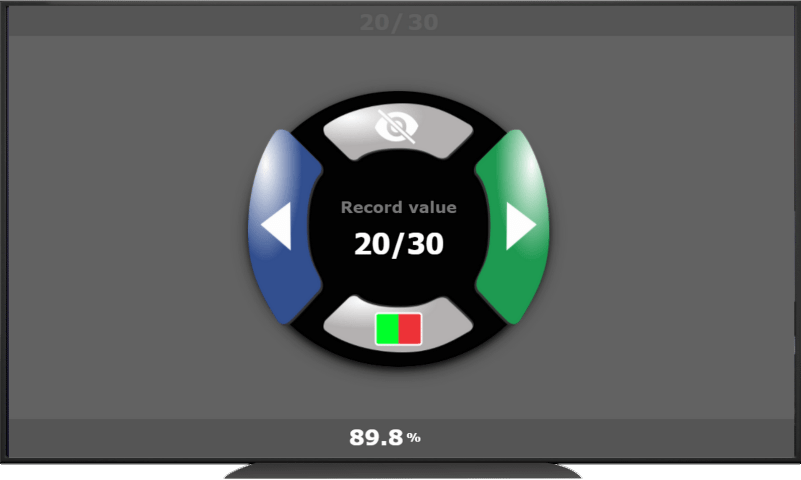
Record visual acuity

Record Visual Acuity

Never forget VA results again — integrated recording system

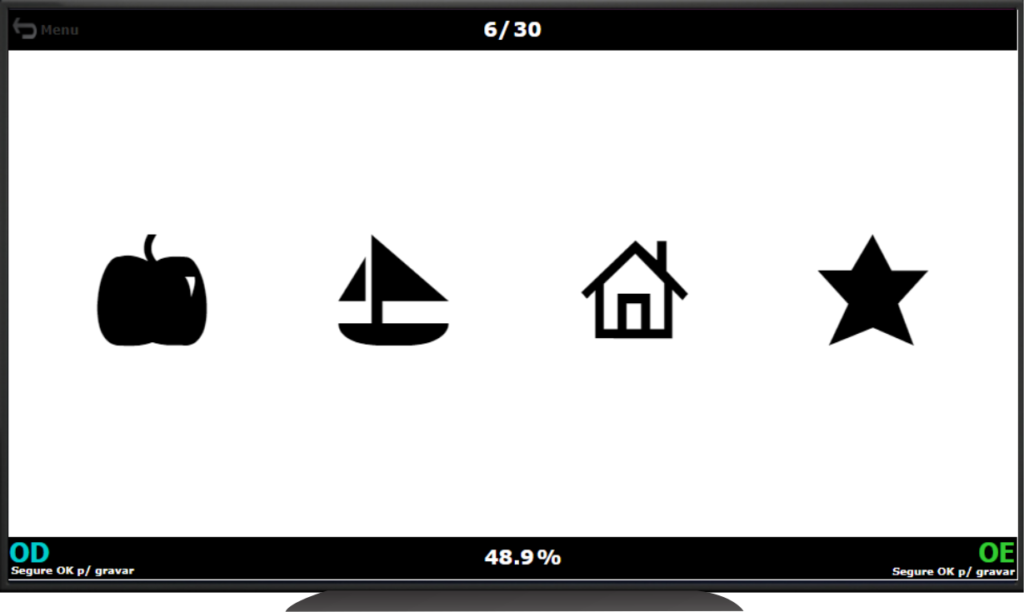
Figures for kids

Pediatric Figures

Easily discernible figures for pediatric patients and pre-literates

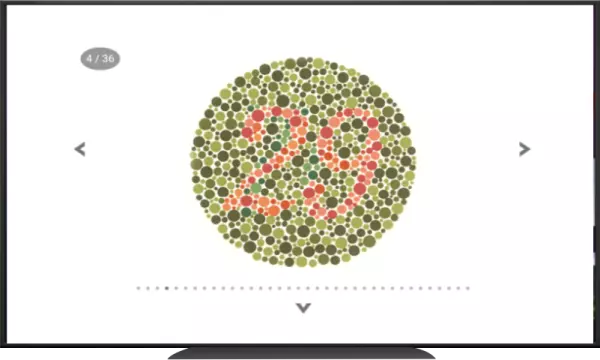
Ishihara color vision

Color Vision Test (Ishihara)

All 36 original colored plates digitally rendered on screen

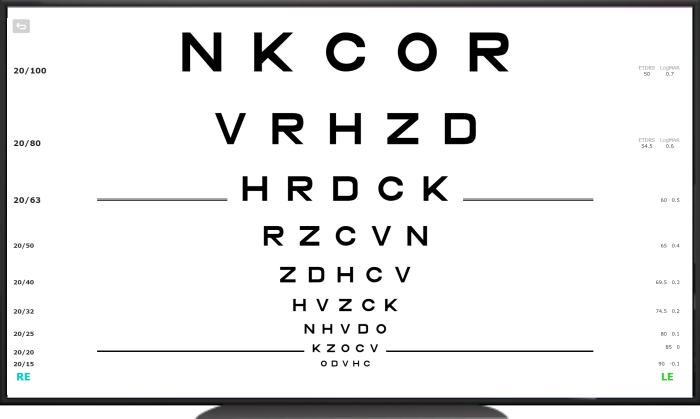
ETDRS chart

ETDRS Chart

Research-grade ETDRS with automatic notation conversion

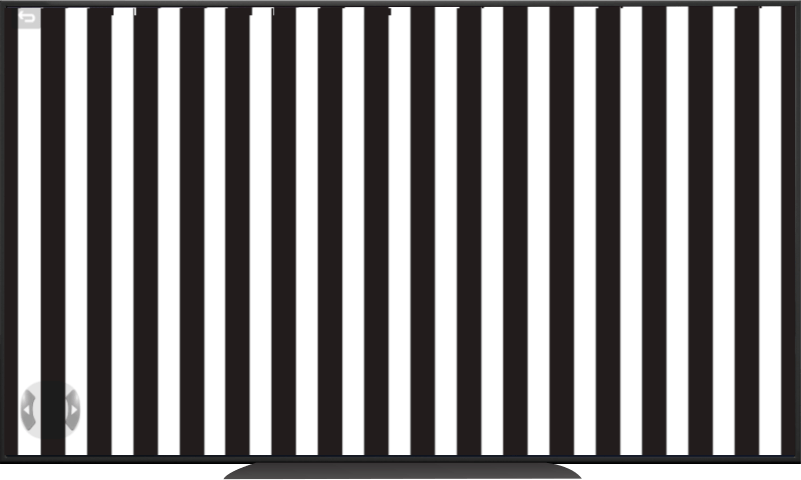
Optokinetic test

Optokinetic Test

Assess saccadic eye movements and OKN reflex

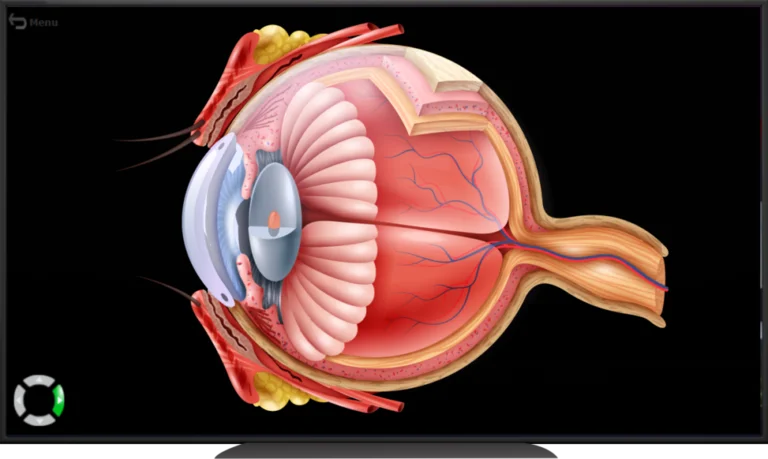
Eye anatomy

Interactive Eye Anatomy

Educate patients with detailed interactive eyeball anatomy

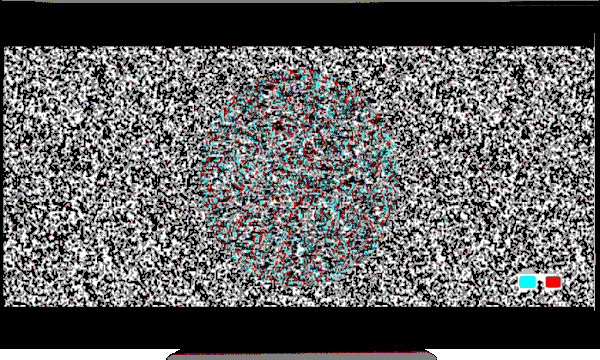
Depth perception

Depth Perception Test

3D stereo tests for blue-red or green-red anaglyph glasses

Fixation disparity

Fixation Disparity Test

Strabismus evaluation and binocular vision assessment

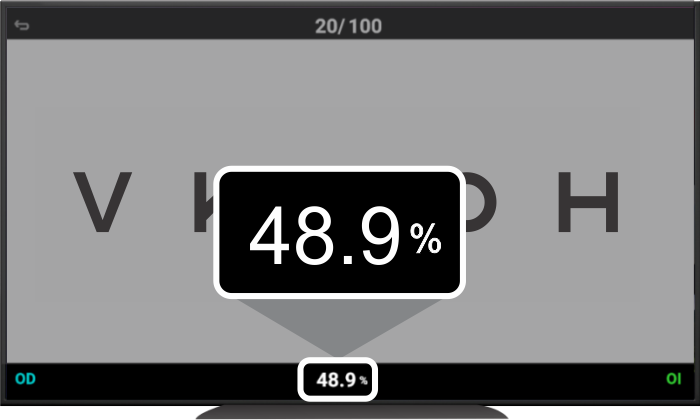
Functional vision percentage

% Functional Vision

Show patients exactly what their vision percentage means

Room configuration

Room Configuration

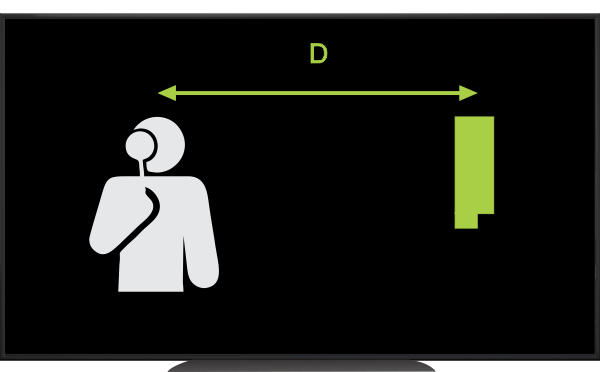
Calibrate for any room size (2.8m–8m) and screen size (17"–50")

Exclusive to EyeCharts
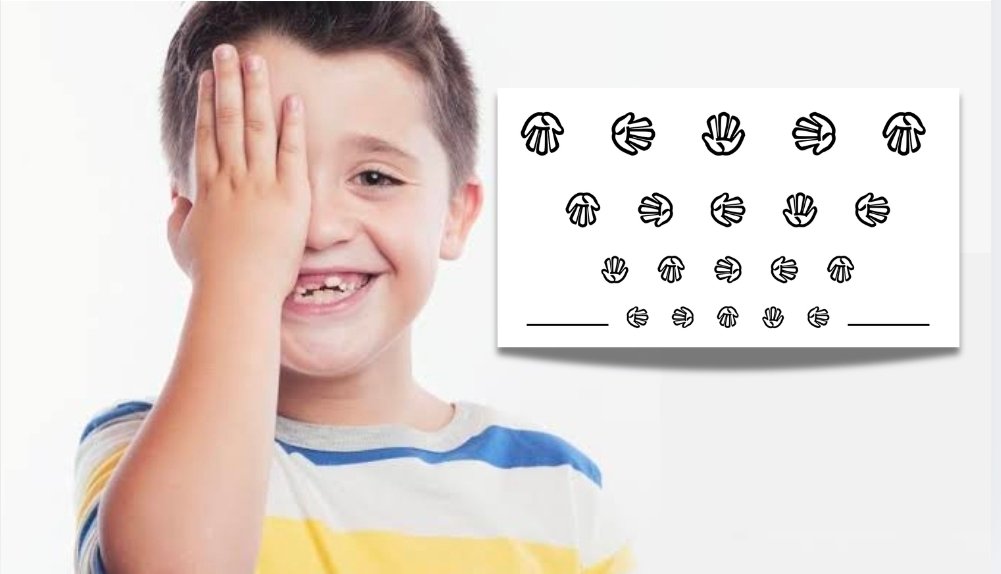
Child with autism using Tumbling Hand test
Scientific Innovation

The Revolutionary Tumbling Hand — Created by EyeCharts

The Tumbling Hand optotype was pioneered by EyeCharts and exists nowhere else. Specially designed for patients who cannot verbalize or point, it proved to be a breakthrough in visual acuity assessment for children with autism — including a landmark study with APAE (Association of Parents and Friends of Exceptional Children), Brazil's largest special needs organization.

The study, published in a peer-reviewed ophthalmology journal, confirmed the Tumbling Hand as a reliable, child-friendly optotype for non-verbal patients — a result that has impacted thousands of children across Brazil.

📄 Read the Peer-Reviewed Study
90%
Savings vs traditional systems
16+
Clinical tests included
Free plan — unlimited devices
7
Compatible platforms
Setup in minutes

Up and running in 3 steps

No technician needed. No monthly subscription. Just download and go.

1

Download the App

Install EyeCharts from Samsung, LG, Amazon, Google or Windows/Mac app stores on any compatible device.

2

Scan the QR Code

Scan the QR code shown on screen with your phone, choose your plan, and activate your license instantly.

3

Start Seeing Patients

That's it. Use your existing TV remote or keyboard. No extra hardware, cables, or specialists needed.

Pricing

One-time payment. No surprises.

No monthly or annual fees — ever. Pay once and use forever on your device.

Free Plan
$0
∞ Devices · Lifetime use
  • Landolt C chart
  • 3D surgery simulators
  • Optokinetic test
  • Astigmatic tests
  • Amsler Grid · 4 dot test
  • Limited features*
1 Device
75% OFF
One-time · 1 year warranty
  • All features enabled
  • Up to 1 device
  • Switch devices anytime
  • 1 year of warranty
  • Full offline use
3 Devices
80% OFF
One-time · 3 years warranty
  • All features enabled
  • Up to 3 simultaneous devices
  • Switch devices anytime
  • 3 years of warranty
  • Full offline use
About warranty, switching devices & free version features

* Free version features: Landolt C chart, 3D surgery simulators, Optokinetic test, Mirrored system, Fixation Dots, One-hand chart, Astigmatic tests, Amsler Grid, 4 dot test, configuration menu.

** Warranty: Even after the free support period, you maintain unlimited access to EyeCharts and all updates. If your device breaks, we can issue a new license at no cost within the warranty period.

*** Switching devices: Click 'deactivate' on the old device, then activate on the new one. Note: repeatedly switching on a single-device plan may trigger security checks.

Offline use: EyeCharts works completely offline. Internet is only needed for initial installation and activation. Some Samsung Tizen and Amazon Fire models require connection to launch installed apps.

Testimonials

Trusted by eye doctors worldwide

★★★★★

We definitely saved money with EyeCharts instead of buying an Optotype Projector. The setup was incredibly simple and the team love using it.

SA
Sara Ahmed
🇮🇪 Ireland
★★★★★

I purchased EyeCharts 3 months ago and I am very satisfied. Software developed with great care. Simply fantastic!

AC
Ana Carla
🇧🇷 Brazil
★★★★★

I installed it on my new LG Smart TV and it worked perfectly. The system is complete — everything an eye clinic needs.

JR
Jordan Ray
🇺🇸 USA
★★★★★

Easily installed on a Smart TV. We are very happy with EyeCharts. Congrats to the team for this excellent product.

PB
Pierre Braka
🇨🇦 Canada
FAQ

Frequently asked questions

Yes. EyeCharts works completely offline. Internet is only needed for initial installation and license activation. Note: some Samsung Tizen Smart TV and Amazon Fire models require a connection to launch installed apps.

No. EyeCharts works offline, so while you are using your device there are no locks or expiration dates. You retain access to the software and updates indefinitely.

EyeCharts works with your existing TV remote or keyboard — no extra peripherals required. Check the user manual for detailed key mapping instructions.

EyeCharts is compatible with rooms from 2.8m to 8m and screen sizes from 17" to 50". You can set both the room distance and screen size in the app settings menu for precise calibration.

Click 'Deactivate' in the settings of your old device, then activate your license key on the new device. Important: simply uninstalling the app does NOT free up the license — you must click Deactivate first.

Contact us during your warranty period and we will issue a new or recovered license key at no cost. Even after the warranty period, you keep full access to the software you purchased.

Partners & Platforms

Trusted by leading organizations

Ready to upgrade your practice?

The smartest investment your clinic can make

Join thousands of eye care professionals. Download free or get up to 80% OFF the full system today.

📖 User Manual